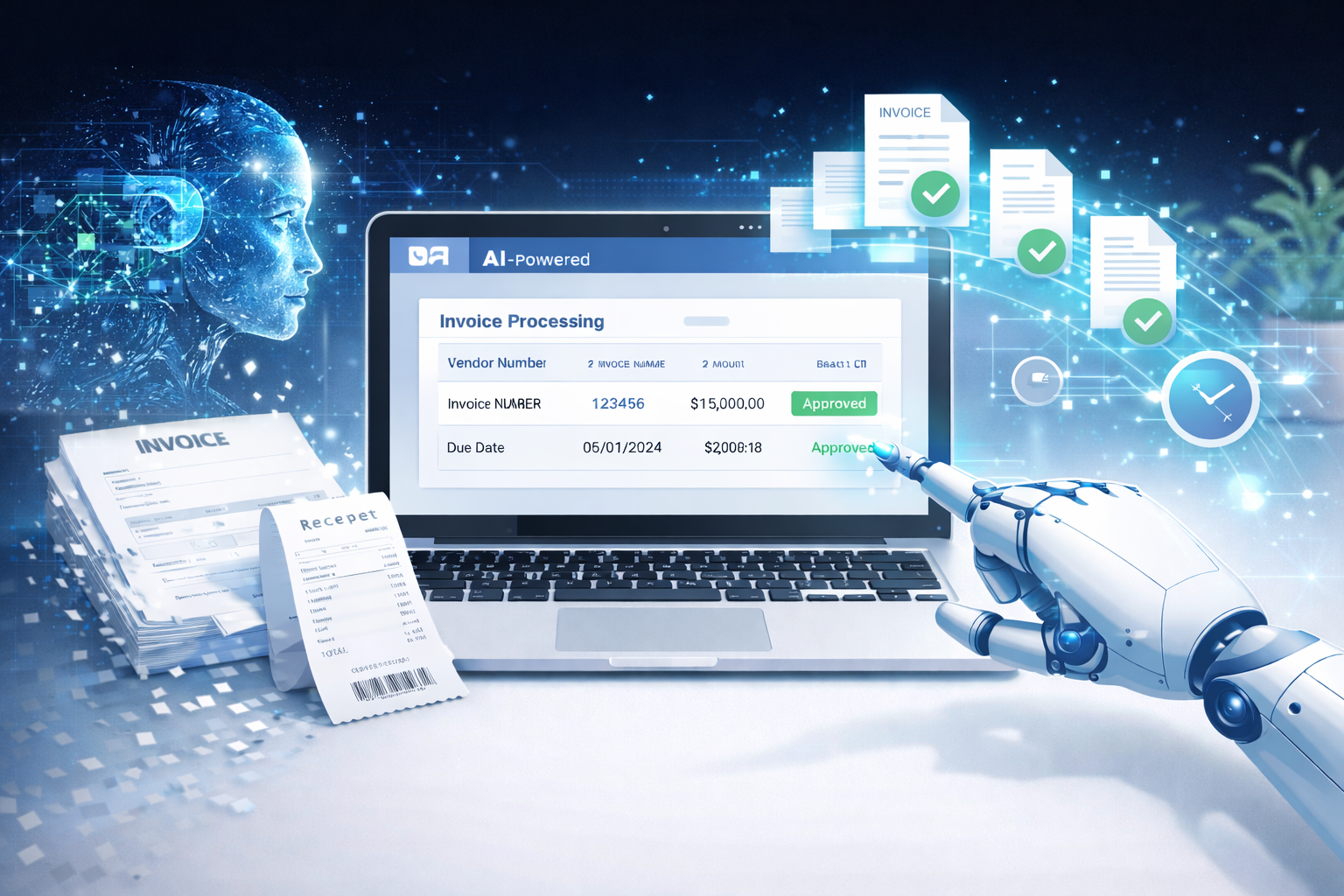
If you want to reduce invoice processing time, you’re not alone. For most finance teams and small business owners, invoice processing still feels slow, repetitive, and frustrating. Even with accounting software in place, invoices often get stuck in email threads, approvals, and manual data entry.
The good news is that AI invoice processing is now practical for real businesses not just large enterprises. With the right setup, AI can help you build a faster accounts payable process, reduce errors, and keep invoices moving without constant follow-ups.
Why invoice processing still takes too long in most finance teams
Invoice processing is supposed to be simple: receive invoice → review → approve → pay.
But in reality, it becomes a messy chain of manual steps.
Someone downloads a PDF.
Someone types the data into a system.
Someone emails a manager for approval.
Someone forgets.
Someone asks for a missing PO number.
And suddenly, a 5-minute task becomes a 5-day delay.
That’s why more teams are moving toward invoice data capture software and automation not to replace people, but to stop wasting time.
What slows down invoice processing the most
Manual data entry
This is the biggest bottleneck.
Even if your team is fast, typing invoice details line-by-line is slow and error-prone. Vendor name, invoice number, dates, totals, tax, line items it adds up.
One small mistake can cause payment issues, reconciliation problems, or duplicate entries.
Missing fields and back and forth emails
Invoices often come incomplete.
Missing PO number.
Wrong billing address.
No tax breakdown.
No payment terms.
So your team spends time chasing vendors or internal teams instead of processing.
Approval delays
Approvals are where invoices go to “die.”
A manager is busy.
The approver is traveling.
The invoice is buried in email.
No one knows the status.
This creates late payments, vendor frustration, and stress during month-end.
Duplicate invoices
Duplicate invoices happen more than most teams admit.
Sometimes a vendor sends the same invoice twice.
Sometimes two people upload it.
Sometimes the invoice is reprocessed because the first one got lost.
Without checks, duplicates lead to double payments and messy audits.
How AI reduces invoice processing time
AI doesn’t just “scan invoices.” It automates the slowest parts of accounts payable while keeping humans in control.
Here’s what it improves.
Reads invoices instantly
Instead of someone opening each PDF manually, AI can read invoices as soon as they arrive via email, upload, or sync.
Modern tools can process invoices in under 1 minute, even when formats vary between vendors.
Extracts the right fields automatically
This is the heart of AI invoice processing.
AI can capture:
- Vendor name
- Invoice number
- Invoice date
- Due date
- Total amount
- Tax
- Line items (in many cases)
- Payment terms
This is exactly what invoice data capture software is built for turning invoices into structured data without manual typing.
Flags errors before approval
AI can automatically detect common issues like:
- Duplicate invoice numbers
- Missing PO numbers
- Totals that don’t match line items
- Vendor mismatches
- Unusual tax values
This prevents bad invoices from reaching approval and reduces rework.
Related post: Best Invoice Processing Software for Small Businesses
Keeps invoices organized for quick review
Instead of invoices sitting in email threads, AI tools keep them centralized.
You can filter by:
- Pending approval
- Approved
- Due soon
- Vendor
- Amount
- Status
That alone makes your faster accounts payable process feel 10x smoother.
A practical AI workflow you can follow
If you want a simple way to automate invoice processing without overcomplicating it, this workflow works for most small and mid-sized teams.
It’s also great for featured snippets, because it’s clean and step-based.
Step 1: Upload or sync invoices
Invoices can come from:
- Vendor emails
- Shared inbox
- Upload folders
- Vendor portals
- Drive/Dropbox
The goal is simple: stop relying on “someone remembering” to forward invoices.
Many tools can automatically pull invoices from your AP inbox.
Step 2: AI extracts and categorizes
Once the invoice is received, AI reads it and extracts key details.
Then it categorizes it based on rules like:
- Vendor category (software, logistics, marketing, etc.)
- Department
- Payment terms
- PO matching (if applicable)
This step removes the slowest part of invoice processing.
Step 3: Review quickly
Instead of typing everything, your team just reviews.
Most invoices will be correct on the first pass modern tools can reach 99% first pass accuracy with clean vendor invoices.
The reviewer only needs to confirm:
- Total
- Vendor
- Due date
- PO match (if required)
This reduces invoice review time from minutes to seconds.
Step 4: Sync to accounting
Once approved, the invoice data syncs to your accounting tool.
This is where the real speed comes from.
Instead of copying data into QuickBooks, Xero, or another system, it flows automatically.
That’s how teams truly automate invoice approvals without creating more admin work.
Mini case example (generic but realistic)
Let’s say a 25-person services company processes around 80 invoices per week.
Before AI:
- 6–8 minutes per invoice (entry + checks + approval follow-ups)
- ~10 hours/week spent on manual processing
- Errors and duplicates show up during month-end
After AI automation:
- 1 minute processing per invoice
- Most invoices auto-extracted correctly
- Approvals happen inside one system with reminders
Result:
They saved 12+ hours per week, reduced errors significantly, and shortened their month-end close because invoice data was already clean.
Results you should expect after automation
Time saved per invoice
For most teams, invoice processing drops from 5–10 minutes to under 1 minute.
That’s a huge difference when you process 50–500 invoices per month.
Fewer errors
Manual entry creates:
- wrong invoice totals
- wrong vendor records
- missed due dates
- incorrect tax amounts
AI reduces these issues because it follows consistent extraction logic and validation.
Faster month end close
This is one of the biggest hidden wins.
When invoices are entered correctly throughout the month, month-end becomes smoother because:
- fewer corrections are needed
- AP data is already organized
- approvals are tracked
Choosing the right tool (what matters most)
Not all tools are equal. If you’re evaluating options, focus on these three factors.
Accuracy
Accuracy matters more than fancy dashboards.
Look for tools that can handle:
- PDFs
- scanned invoices
- different vendor formats
Many modern tools advertise 99% first pass accuracy, but you should still test with your real invoices.
Speed
Invoice processing should feel instant.
If a tool takes 5–10 minutes to process a document, it defeats the purpose.
The best tools can process invoices in under 1 minute, even at scale.
Easy integration with accounting tools
This is where automation becomes real.
A tool that doesn’t sync to your accounting system will still leave you doing manual entry later.
Make sure it supports integrations with:
- QuickBooks
- Xero
- Zoho Books
- NetSuite (for larger teams)
Even if you don’t integrate on day one, you’ll want that option later.
Final thoughts and next step
If your AP team is stuck doing repetitive work, AI is one of the fastest ways to fix it.
You don’t need a complex system or a big implementation. You just need a clean workflow and a tool that can:
- extract invoice data
- reduce back-and-forth
- automate invoice approvals
- sync cleanly to accounting
If you’re exploring solutions, platforms like Elmmetric are examples of tools built to streamline invoice processing without making it feel overly technical or enterprise-heavy.
The next step is simple: take 10 real invoices from your business and test an AI tool with them. You’ll immediately see how much time you can save.
FAQ
How long does AI invoice processing take?
Most modern tools can process an invoice in under 1 minute, including reading and extracting key fields.
Can AI extract invoice data accurately?
Yes. Many tools can reach 99% first pass accuracy, especially for clear PDFs and standard vendor invoices.
Does AI work with scanned invoices and PDFs?
Yes. Good AI invoice processing tools can read both scanned invoices and PDFs, though very low-quality scans may reduce accuracy.
Will AI replace accounts payable staff?
No. AI reduces repetitive tasks like data entry and follow-ups, but AP staff still handle approvals, vendor communication, and exception cases.
Can invoice processing tools sync with QuickBooks?
Yes. Many invoice automation tools support QuickBooks sync so invoice data flows directly into your accounting system without manual entry.
Leave a Reply