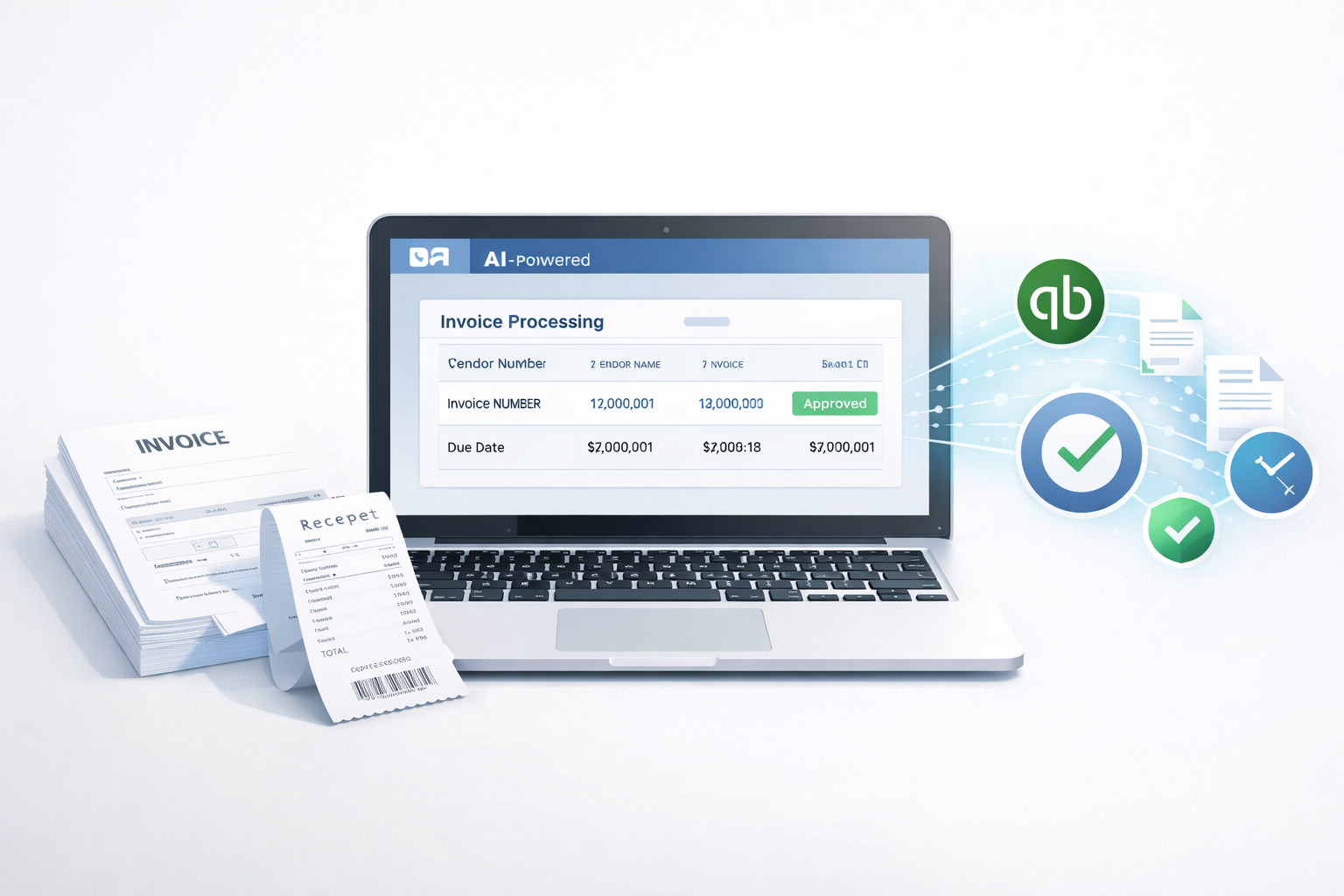
Small businesses don’t need complex finance systems that take weeks to set up. They need something much simpler: speed, accuracy, and a clean way to process invoices without wasting hours every week.
If you’re a small business owner or part of a small finance team, invoice processing can feel like an endless loop. A vendor sends a PDF. Someone downloads it. Someone types it into a spreadsheet or accounting tool. Someone checks if it’s already paid. Someone approves it. Then someone finally enters it into QuickBooks.
That process works… until it doesn’t.
The good news: modern invoice automation software and AI tools can now handle most of this workflow for you. Many businesses report saving 12+ hours per week, and some tools can process an invoice in under 1 minute, from capture to review.
In this guide, we’ll break down what matters most, what features to look for, and how to evaluate the best invoice processing software for small businesses especially if you use QuickBooks.
What small businesses should look for
Not every accounts payable tool is built for small teams. Some platforms are designed for enterprises with 10-step approval chains and complex compliance needs.
For small businesses, the best invoice processing software should feel lightweight and fast.
Easy setup
Small teams don’t have time for long onboarding calls, complicated workflows, or weeks of configuration.
The best tools let you:
- connect your accounting software in minutes
- add your team quickly
- start processing invoices the same day
If setup takes more than a few hours, it’s probably not the right fit.
Works with QuickBooks
QuickBooks is still the default accounting tool for many small businesses.
So if you’re evaluating invoice tools, QuickBooks invoice automation should be a core requirement, not a bonus.
A good tool should sync:
- vendor details
- invoice numbers
- line items (when needed)
- taxes and totals
- payment status
And it should do it without breaking your chart of accounts or creating duplicates.
Fast invoice capture
The whole point of automation is reducing manual work.
A solid AI invoice processing tool should capture invoices from:
- email inboxes
- PDFs
- scanned images
- uploads
And extract the important data correctly.
Clear review process
Automation should not mean “no control.”
Small finance teams need a clean review screen that makes it easy to:
- verify extracted details
- catch mistakes quickly
- approve or reject invoices in seconds
If reviewing invoices is confusing, adoption will be low.
Affordable pricing
For small businesses, pricing needs to make sense.
The best tools scale with you and don’t force you into expensive enterprise plans.
A good benchmark: if the tool saves you 12+ hours per week, the pricing should feel like a no-brainer compared to the cost of manual work.
Related post: Automated Invoice Processing vs Manual: What’s Better?
Key features that matter most
A lot of platforms claim to be “AI-powered.” But in reality, what matters is whether the tool consistently saves time and keeps your books clean.
Here are the features that actually make a difference.
Invoice data extraction
This is the core of invoice automation.
The tool should reliably pull:
- vendor name
- invoice number
- invoice date
- due date
- subtotal, tax, and total
- line items (optional but useful)
A strong AI system learns over time and improves accuracy with repeated vendors.
Duplicate detection
Duplicate invoices are more common than most teams realize.
Vendors resend invoices. Teams upload the same file twice. Someone forwards the email again.
A good tool flags duplicates using:
- invoice number
- vendor + amount
- matching PDFs
This alone can prevent costly double payments.
Simple approvals
Small teams need approvals, but not complex ones.
Look for:
- one-click approvals
- custom approval rules (like amount thresholds)
- audit history showing who approved what
Auto sync to accounting
This is where invoice automation becomes real.
Instead of copying data manually into QuickBooks, the tool should:
- sync approved invoices automatically
- create bills correctly
- map vendors and categories
- reduce rework
This is why accounts payable software for small business is often worth it it connects the entire workflow.
Clean audit trail
Even small businesses need traceability.
A clean audit trail should show:
- who uploaded the invoice
- what was extracted
- what was edited
- who approved it
- when it was pushed to QuickBooks
This helps during tax season, vendor disputes, and internal reviews.
Best invoice processing software options (how to evaluate)
Instead of giving you a random list of tools with generic descriptions, it’s better to evaluate options based on your workflow.
Different small businesses need different setups.
A shortlist evaluation framework (simple and practical)
When comparing invoice tools, score each one on these 6 factors:
- Setup time (Can you start today?)
- QuickBooks integration (Does it sync cleanly?)
- Invoice capture speed (Email, PDF, scans)
- Extraction accuracy (How often do you edit?)
- Review + approvals (Can your team use it easily?)
- Pricing vs time saved (Does it pay for itself?)
A tool that wins on 4–5 of these is usually a strong choice.
For QuickBooks users
If you run your business on QuickBooks, your top priority should be smooth syncing.
Many tools “integrate” with QuickBooks, but what you really want is:
- bills created correctly
- no duplicate vendors
- correct category mapping
- clean syncing without constant errors
The best QuickBooks-friendly invoice automation tools are designed to fit into your workflow without forcing you to change everything.
What to prioritize:
- QuickBooks Online sync
- vendor matching
- fast approvals
- clean bill creation
If your team is small, you don’t need a complicated AP system you need something that makes QuickBooks faster and cleaner.
For teams handling many invoices
If your business processes dozens or hundreds of invoices per month, time becomes your biggest problem.
Manual entry becomes expensive fast.
In this case, invoice automation software should help you:
- process invoices in under a minute
- handle high volume without slowing down
- catch duplicates automatically
- reduce approval delays
What to prioritize:
- bulk invoice capture
- high extraction accuracy
- duplicate detection
- approval rules
This is where AI invoice processing becomes a real advantage, because it scales without adding extra headcount.
For accountants managing multiple clients
If you’re an accountant or bookkeeper handling invoices for multiple businesses, your needs are slightly different.
You need:
- separate workspaces for each client
- consistent invoice workflows
- faster invoice processing across multiple accounts
- strong audit history
What to prioritize:
- multi-client support
- easy switching between accounts
- standardized approvals
- strong reporting
The best tools here reduce repetitive work and help you deliver faster monthly closes.
Why AI based tools are becoming the default
A few years ago, invoice automation was “nice to have.”
Now it’s quickly becoming the default, especially for small businesses trying to stay lean.
AI tools don’t just save time they reduce mistakes, speed up approvals, and keep accounting cleaner.
Saves time weekly
Manual invoice processing can take 3–10 minutes per invoice depending on complexity.
If your team processes 50 invoices per week, that can easily become 4–8 hours of work just on data entry and checking.
Many AI invoice tools now claim to save 12+ hours per week, especially when you include:
- chasing approvals
- fixing entry errors
- re-checking duplicates
- syncing bills into QuickBooks
That time can go back into running the business.
Fewer errors
Humans make mistakes when they’re rushing.
Common invoice errors include:
- wrong invoice date
- wrong due date
- incorrect totals
- vendor mismatches
- duplicate payments
AI tools reduce these errors by extracting data consistently and flagging unusual invoices.
The end result is simple: cleaner books and fewer surprises.
Faster payments and cleaner books
When invoices get stuck in email threads, payments get delayed.
Delayed payments lead to:
- vendor frustration
- missed early payment discounts
- rushed end-of-month cleanup
With invoice automation, invoices move faster through review, approvals, and syncing which means you can pay vendors on time and keep your accounting up to date.
A recommended option for small teams
If you’re a small business that wants speed, simplicity, and clean QuickBooks syncing, tools built specifically for smaller teams usually work best.
One option worth considering is Elmmetric, especially if your workflow revolves around QuickBooks.
Instead of focusing on complicated finance workflows, Elmmetric is built around what small teams actually want:
- fast invoice capture
- accurate data extraction
- a clean review screen
- quick approvals
- smooth QuickBooks sync
The biggest advantage is that it’s outcome-focused: invoices get processed quickly, errors reduce, and the team spends less time stuck in manual entry.
If your goal is to save hours every week and process invoices in under a minute without adding complexity, Elmmetric fits naturally into that workflow.
Conclusion
The best invoice processing software for small businesses is not the one with the most features. It’s the one that saves time, reduces errors, and makes invoice handling feel effortless.
When choosing the right tool, focus on what actually matters:
- easy setup
- QuickBooks integration
- fast invoice capture
- clean review and approvals
- reliable accuracy
- pricing that matches the value
AI tools are quickly becoming the default because they make invoice processing faster and simpler and for small teams, that time saved can be huge.
If you choose the right invoice automation software, you’re not just improving your accounting workflow. You’re buying back hours every week.
FAQ
What is the best invoice processing software for QuickBooks?
The best option depends on your invoice volume and workflow, but the best tools for QuickBooks are those that sync bills cleanly, avoid duplicates, and keep vendor data consistent. Look for tools built specifically with QuickBooks invoice automation in mind.
How much does invoice automation cost?
Invoice automation pricing varies based on invoice volume, features, and number of users. Some tools charge monthly, while others price based on invoices processed. For many small businesses, the time saved often covers the cost quickly.
Can small businesses use AI invoice processing?
Yes. AI invoice processing is now designed for small teams, not just enterprises. Many AI tools are simple to set up and can save 12+ hours per week by reducing manual entry and speeding up approvals.
Do invoice tools work with PDFs and scans?
Most modern invoice automation tools support PDFs and scanned invoices. The best tools can extract data from email attachments, uploaded files, and even images, while still keeping accuracy high.
How do I choose the right invoice software?
Use a simple shortlist framework: compare setup time, QuickBooks integration, invoice capture speed, extraction accuracy, review workflow, and pricing. Choose the tool that saves time without adding complexity.
Leave a Reply