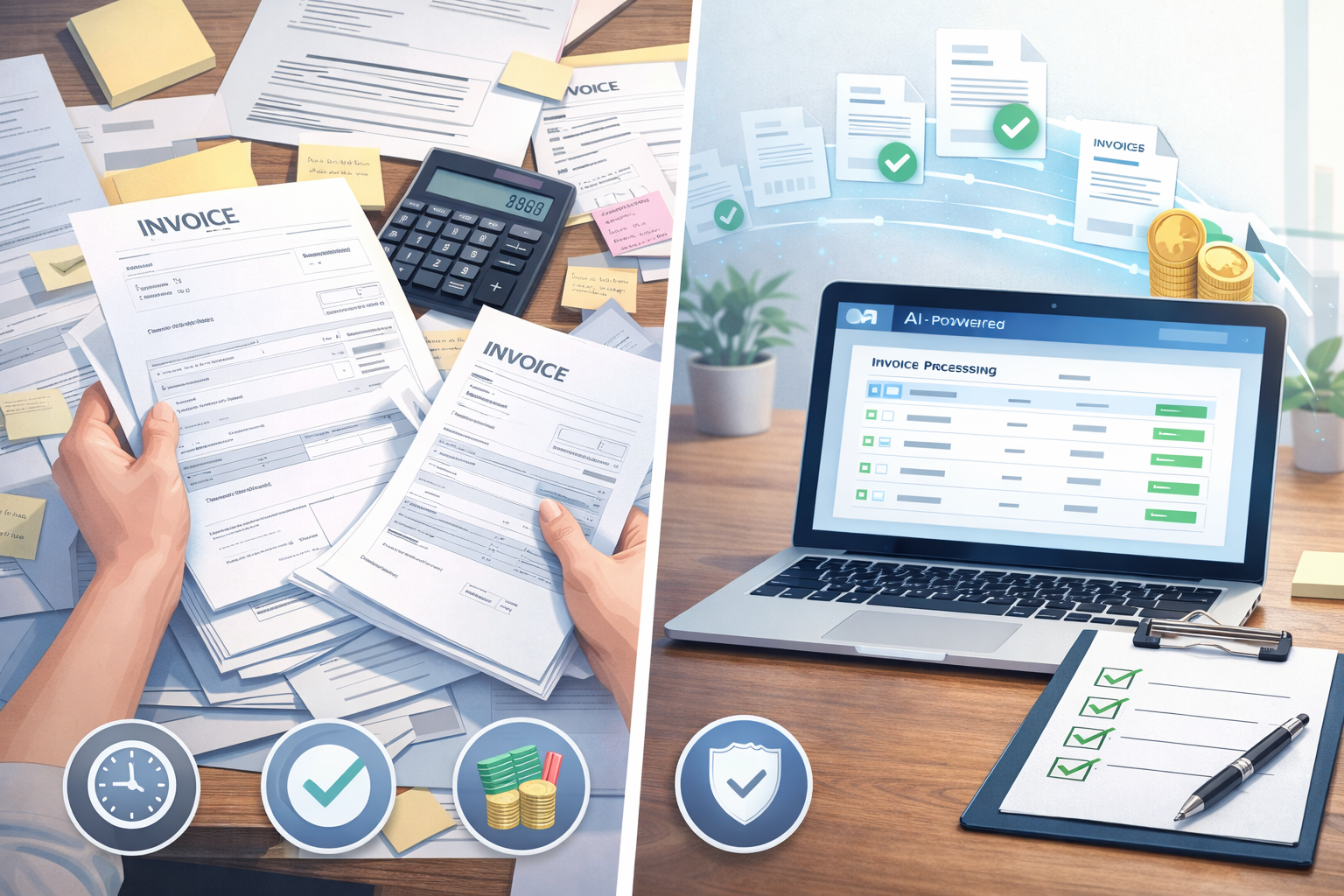
Manual invoice processing still works. In fact, many small teams run accounts payable using email, spreadsheets, and a simple approval chain.
But “it works” doesn’t mean it’s efficient.
Manual processing is slow, expensive, and error-prone especially once invoice volume grows. And during month-end close, it becomes a serious bottleneck that drains time from finance teams.
Automated invoice processing solves most of these problems by using AI to extract invoice details, route approvals, and sync data to accounting tools. Many modern systems can process invoices in under 1 minute, save 12+ hours per week, and reduce errors using high first pass accuracy.
This guide breaks down both approaches in a practical way, with a clear side-by-side comparison so you can decide what’s better for your business.
What manual invoice processing involves
Manual invoice processing is a step-by-step workflow where humans handle most tasks. Even if you use accounting software, the invoice still has to be read, entered, approved, and stored.
Data entry
This is where most time gets wasted.
A team member typically:
- Opens an invoice (PDF, scan, or email attachment)
- Reads key details (vendor name, invoice number, date, line items, tax, total)
- Enters everything into Excel or accounting software
This is repetitive work, and repetition increases mistakes especially when invoices come in different formats.
Approvals
Manual approvals often look like:
- Emailing the invoice to a manager
- Waiting for a reply
- Following up
- Re-forwarding the invoice because it got buried
Even if the approval itself takes 10 seconds, the waiting time can take days.
Filing and tracking
This is the hidden problem.
Manual teams usually store invoices in:
- Email threads
- Google Drive folders
- Shared desktops
- Printed files
Later, when someone asks “Where is that invoice from last month?”, it turns into a mini search mission.
Related post: How AI Bookkeeping Saves Time for Accountants
What automated invoice processing looks like
Automated invoice processing uses invoice automation software to handle the repetitive parts. Instead of humans reading every invoice and typing details, AI does the extraction and workflow routing.
Upload or sync invoices
Invoices can come from:
- Uploading PDFs
- Email forwarding
- Vendor portals
- Cloud storage
- Direct sync
A good system doesn’t force you to change your vendor process it adapts to how invoices already arrive.
AI extracts key fields
AI invoice processing software reads invoices and pulls key data like:
- Vendor name
- Invoice number
- Invoice date
- Due date
- Subtotal, tax, total
- Line items (in many cases)
Instead of typing everything, the user just checks the extracted fields.
Quick review
This is one of the biggest benefits.
Instead of manually entering invoices, finance teams can do a “review in about a minute” workflow:
- Look at the invoice preview
- Confirm extracted fields
- Fix anything small
- Approve and move on
That’s how modern AP teams process invoices fast without sacrificing control.
Sync to accounting
After review and approval, the invoice data syncs into accounting tools like:
- QuickBooks
- Xero
- Other AP or ERP systems
This eliminates duplicate work and reduces posting errors.
For example, Elmmetric is one solution designed around this workflow: invoices can be uploaded or synced, reviewed quickly, and then synced to QuickBooks.
Manual vs automated: side by side comparison
Here’s the real difference: manual invoice processing depends on human time, while automation depends on systems.
Text-based comparison table
| Feature | Manual Invoice Processing | Automated Invoice Processing |
| Speed | Slow (minutes per invoice + waiting) | Fast (often under 1 minute per invoice) |
| Accuracy | Human errors common | High first pass accuracy + quick review |
| Cost | Higher labor cost | Lower cost per invoice over time |
| Scalability | Breaks as volume grows | Handles growth easily |
| Fraud risk | Higher (weak tracking + approvals) | Lower (audit trails + structured workflows) |
| Month-end workload | Heavy and stressful | Faster close with fewer backlogs |
Now let’s break down each area properly.
Speed
Manual processing speed is limited by:
- How fast someone can type
- How quickly managers approve
- How long it takes to find missing invoices
Even if invoice entry takes only 5 minutes, approvals can add days.
Automated invoice processing improves speed because:
- Extraction happens instantly
- Review is quick
- Approvals can be routed automatically
- Invoices don’t get “lost”
Most AI tools can process an invoice in under 1 minute, especially when the fields are captured correctly on the first pass.
Accuracy
Manual invoice entry is vulnerable to:
- Typos
- Wrong invoice numbers
- Duplicate entries
- Incorrect totals
- Missing taxes
- Wrong vendor mapping
These mistakes lead to payment errors, reconciliation issues, and vendor disputes.
Automation improves accuracy because:
- AI extracts consistently
- The system validates totals
- Duplicate detection is easier
- Review happens before syncing
With high first pass accuracy, teams spend less time correcting mistakes and more time approving and paying correctly.
Cost
Manual processing cost is usually underestimated.
People think manual AP is “free” because they already have staff. But every invoice takes time, and time is money.
Manual costs include:
- Data entry hours
- Approval follow-ups
- Error correction
- Time spent searching invoices
- Month-end overtime
Automation reduces cost because:
- You process invoices faster
- You reduce errors
- You reduce back-and-forth
- You save staff hours every week
It’s common for teams to save 12+ hours per week once invoice workflows are automated.
Scalability
Manual invoice processing works only when:
- Invoice volume is low
- Vendors are consistent
- Approvals are simple
As the business grows, manual AP becomes a bottleneck.
The breaking point usually happens when:
- You add more vendors
- You handle multiple clients
- Your team grows
- You expand to new locations
Automation scales because invoice volume doesn’t increase workload in a linear way. You can process 50 invoices with nearly the same effort as 10 because the heavy lifting is done by AI.
Fraud risk
Fraud risk is not just about hackers.
In accounts payable, fraud often happens due to:
- Weak approval processes
- No audit trail
- Invoices being edited manually
- Duplicate payments
- Payments to the wrong vendor
- Invoices slipping through without review
Manual workflows make this easier because everything happens across email, spreadsheets, and disconnected folders.
Automated invoice processing reduces fraud risk because:
- Approvals are structured
- Activity logs are recorded
- Audit trails are available
- Duplicate detection is easier
- Vendor matching is consistent
Even for small businesses, this is a big deal.
Month end workload
Month-end close is where manual AP hurts the most.
The common issues:
- Invoices not entered yet
- Missing approvals
- Duplicate invoices
- Payment status confusion
- No clear record of what’s pending
Automation helps month-end close by:
- Keeping invoices tracked in one place
- Showing approval status instantly
- Reducing backlog
- Making reconciliation faster
This alone is a major reason finance teams switch.
When manual is still okay
Automation is not always necessary. In some cases, manual processing is fine.
Very low invoice volume
If you handle:
- 5–10 invoices per month
- A small number of vendors
- Simple approvals
Manual processing can be manageable.
At that scale, the cost of adopting software might not feel worth it yet.
No growth plans
If your business is stable and you don’t plan to scale, manual workflows may continue to work.
But keep in mind: growth sometimes happens unexpectedly. A new client, a new location, or a new product line can increase invoice volume quickly.
When automation is a clear win
This is where invoice automation benefits become obvious.
Growing teams
As soon as you have:
- Multiple departments
- Multiple approvers
- More invoices than one person can handle
Manual AP turns into chaos.
Automation keeps things structured even as the team grows.
Multiple clients or vendors
If you manage:
- Many vendors
- Client billing
- Multiple entities
Manual processing becomes a tracking nightmare.
Automation makes it easier to:
- Assign invoices
- Track vendor history
- Maintain consistent records
Recurring invoices
Recurring invoices are perfect for automation because:
- Vendors repeat
- Formats are similar
- Categories and GL codes are consistent
AI becomes more accurate over time, and the review becomes even faster.
What to check before switching
Before you adopt accounts payable automation, check these points. This is where many teams make the wrong choice.
Integration with accounting software
If your accounting tool is QuickBooks, Xero, or similar, your invoice system should sync smoothly.
The goal is:
- No duplicate data entry
- Clean vendor mapping
- Easy reconciliation
If the integration is weak, automation becomes another tool you have to “manage.”
Ease of setup
Invoice automation should not require months of onboarding.
Look for:
- Simple upload or sync options
- Clear invoice review screens
- Easy approval routing
- Minimal technical setup
If it feels complicated from day one, it usually stays complicated.
Support and onboarding
Finance teams don’t want to “figure it out.”
Choose a system that offers:
- Clear onboarding
- Responsive support
- Help with integration
- Training for your workflow
This is one reason teams consider solutions like Elmmetric, since it’s built around a simple flow: upload or sync invoices, do a quick review, and sync into QuickBooks.
Conclusion
Manual invoice processing can work, but it comes with real costs: slow speed, frequent errors, heavy month-end workload, and limited scalability.
Automated invoice processing is better for most growing teams because it:
- Processes invoices in under 1 minute
- Saves 12+ hours per week
- Reduces errors using high first pass accuracy
- Improves tracking, approvals, and audit trails
- Makes month-end close smoother
If your invoice volume is increasing or your team is already feeling the pressure automation isn’t just a “nice-to-have.” It’s a practical upgrade.
FAQs
Is automated invoice processing worth it?
Yes, for most businesses handling recurring invoices or growing vendor volume. The biggest return comes from time saved (often 12+ hours per week) and fewer costly mistakes.
How accurate is AI invoice extraction?
Modern AI tools offer high first pass accuracy, especially on standard vendor invoices. Most teams still do a quick review, but the review is usually fast often about a minute per invoice.
Does automation work for different invoice formats?
Yes. AI invoice processing software is designed to handle multiple invoice formats, including PDFs, scanned invoices, and vendor-specific layouts.
Can automation help during month end close?
Absolutely. Automation helps by keeping invoices tracked, reducing backlog, and making reconciliation easier. It also reduces last-minute chasing for approvals.
What is the best invoice workflow for small teams?
For small teams, the best workflow is:
- Upload or sync invoices
- AI extracts key fields
- Quick review (about a minute)
- Approval routing
- Sync to accounting (like QuickBooks)
This gives you speed without losing control.
Leave a Reply