Introduction
Invoice fraud is more common than most teams think.
Even well-run finance teams can end up paying fake invoices, approving duplicates, or sending money to the wrong bank account. And the scary part is: most invoice fraud doesn’t look “obviously fake.” It often looks like a normal invoice, with normal amounts, normal formatting, and normal vendor names.
For accounts payable (AP) teams, the real challenge is volume. When you’re processing hundreds or thousands of invoices per month, it becomes hard to catch every pattern manually. That’s why invoice fraud detection is no longer just about “being careful.” It’s about having the right system.
This is where AI becomes essential because it can scan, compare, and flag risk faster than any human can.
What invoice fraud looks like in real life
Invoice fraud isn’t always a hacker breaking into systems. Many cases are small, repeated issues that slip through the cracks. Let’s break down what fraud looks like in day-to-day AP work.
Duplicate invoices
Duplicate invoices are one of the most common fraud types, and they don’t always happen by accident.
Sometimes vendors send the same invoice twice with a small change:
- A different invoice number
- A new date
- A minor formatting change
If your team is doing manual checks, duplicate invoices can be missed easily especially when approvals are rushed.
This is why duplicate invoice detection matters so much.
Fake vendors
Fake vendor fraud happens when someone creates a new vendor profile and submits invoices that look real.
It could be:
- A completely fake company
- A vendor name similar to a real one (example: “ABC Technologies” vs “ABCT Technologies”)
- A real vendor name but a different email or bank account
AP teams often only notice after payment goes out.
Changed bank details
This is one of the most dangerous types of invoice fraud.
A fraudster might:
- Email your team pretending to be a vendor
- Send an invoice with updated bank details
- Request urgent payment
If AP updates bank details without strong verification, the payment goes straight to the fraudster.
Inflated amounts
This is harder to catch because the invoice may look legitimate.
Inflated invoice fraud could include:
- Increased unit rates
- Added line items
- Higher tax values
- Extra service charges
Unless someone compares the invoice to the PO, contract, or past billing patterns, it can slip through.
Related post: How to Reduce Invoice Processing Time with AI
Common fraud types (quick summary for AP teams)
If you want a simple checklist of the most common invoice fraud types, here it is:
- Duplicate invoices (same invoice paid twice)
- Fake invoices (fraudster sends invoice for work never done)
- Fake vendors (vendor profile created to receive payments)
- Bank detail change fraud (vendor bank info changed to redirect payment)
- Inflated invoices (higher totals, tax, or line items than expected)
These are the exact areas where AI helps most, because it can compare invoices at scale.
Why manual fraud checks fail
Most AP teams don’t fail because they’re careless. They fail because manual review isn’t designed for modern invoice volumes.
Too many invoices
When invoice volume grows, AP teams often respond in predictable ways:
- Faster approvals
- Less detailed review
- More trust in vendor emails
- Skipping cross-checks
Fraud loves speed. The more invoices you process, the more likely you are to miss something.
Humans miss patterns
A human reviewer can catch obvious issues.
But patterns like these are much harder:
- Same total amount used repeatedly across different vendors
- Similar invoice formatting across multiple “vendors”
- Bank account changes that happen right before payment
- Duplicate invoices with small changes
AI is simply better at detecting these patterns because it can compare invoices against a large dataset instantly.
Approvals happen under pressure
Most invoice approvals happen in the real world like this:
- “We need to pay today.”
- “Vendor is chasing.”
- “This is urgent.”
- “Just approve it.”
That’s where invoice approval risk increases. People approve because they don’t want to delay business operations, and fraudsters intentionally create that pressure.
How AI helps detect invoice fraud early
AI doesn’t replace AP teams. It strengthens them.
The goal of AI is not “perfect fraud prevention.” The goal is early detection, smarter review, and fewer risky approvals.
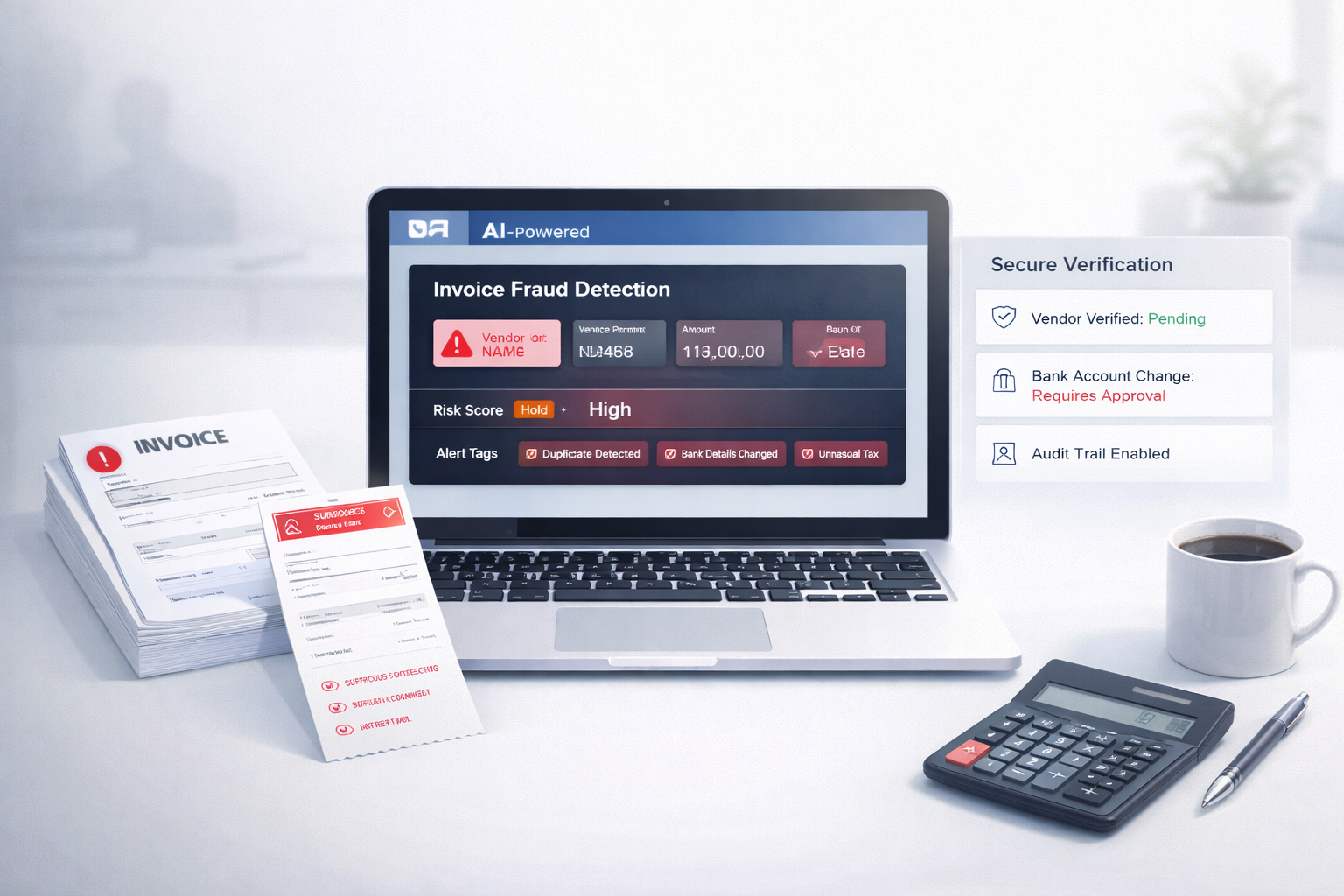
Detects duplicates
AI can compare invoices using multiple matching signals, not just invoice numbers.
It can flag duplicates even when:
- Invoice number is changed
- Date is changed
- Currency is changed
- Formatting is different
This makes duplicate invoice detection far more reliable than manual checks.
Flags unusual totals and tax
AI can learn what’s “normal” for a vendor and flag anomalies.
For example:
- A vendor usually invoices between $2,000–$5,000, but suddenly sends $18,000
- Tax percentage is higher than expected
- Shipping charges appear for a service invoice
- Total doesn’t match line-item sum
This is one of the strongest parts of AI fraud prevention in accounts payable, because it catches subtle invoice manipulation.
Finds mismatched vendor details
AI can automatically check vendor information across invoices and records, including:
- Vendor name vs bank account holder name
- Vendor email domain mismatch
- Address mismatch
- Different tax ID or registration number
- New bank details for an old vendor
These mismatches often indicate fraud or at minimum, a high-risk invoice.
Tracks invoice history
A major advantage of AI is memory.
A human reviewer may not remember what happened 6 months ago. AI can.
It can track:
- Past invoices from the same vendor
- Past bank details used
- Typical billing cycles
- Past approval behavior
- Previous flagged invoices
This helps detect fraud patterns early before money leaves the company.
A simple fraud prevention checklist for AP teams
Even with AI, strong processes matter. Here’s a simple checklist you can implement immediately.
Confirm vendor details
Before approving payment:
- Verify vendor bank changes through a trusted channel
- Confirm vendor email matches previous records
- Cross-check tax ID / registration if applicable
Never accept bank changes only through email.
Use consistent approval steps
Fraud enters when processes are inconsistent.
A good system includes:
- Standard approval flow
- Clear approval limits
- Mandatory checks for high-value invoices
- Escalation for flagged invoices
Keep invoices in one system
Fraud increases when invoices are spread across:
- Emails
- WhatsApp
- PDFs in random folders
- Multiple spreadsheets
Keeping invoices centralized makes it easier to audit, search, and detect duplicates.
Use automation for early warning
This is where AI shines.
Modern tools can:
- Review invoices quickly
- Maintain accuracy
- Flag high-risk invoices automatically
- Create a record of what was checked
For example, tools like Elmmetric (an AI invoice processing tool) can support fast invoice review while focusing on high accuracy and safe handling of invoice data exactly what finance teams need when volume increases.
What to look for in an AI invoice tool
Not every “AI tool” is good. Some just extract invoice text and call it automation. For fraud prevention, you need more.
Accuracy
If invoice data extraction is wrong, fraud detection becomes unreliable.
Look for:
- High extraction accuracy
- Strong handling of messy PDFs
- Support for multiple invoice formats
Review transparency
Finance teams don’t want a black box.
A good AI tool should show:
- Why an invoice was flagged
- What fields were mismatched
- What pattern triggered the alert
This builds trust and speeds up decision-making.
Audit trail
If something goes wrong, you need proof.
Your tool should maintain:
- Invoice version history
- Approval history
- Who reviewed what
- Why approvals were made
This is critical for compliance and internal audits.
Secure handling of data
Invoices contain sensitive information:
- Bank details
- Vendor addresses
- Tax numbers
- Purchase history
Your AI tool should have strong security practices, including:
- Secure storage
- Access control
- Data encryption
- Clear data retention policies
Conclusion
Invoice fraud isn’t rare anymore it’s just under-detected.
Manual invoice checks fail not because teams are weak, but because modern invoice volume is too high, and fraud tactics are too subtle. Duplicate invoices, fake vendors, changed bank details, and inflated totals can all look normal during a rushed approval cycle.
AI is essential because it can detect patterns at scale:
- Spot duplicates
- Flag unusual totals and tax
- Catch mismatched vendor details
- Track invoice history
And when paired with strong AP processes, AI becomes one of the most effective ways to reduce invoice approval risk without slowing down business.
If you’re processing invoices regularly, the real question is no longer “Do we need AI?”
It’s: How long can we afford to operate without it?
FAQs
1) What is the most common type of invoice fraud?
The most common type is duplicate invoices, where the same invoice is paid more than once. This can happen accidentally or intentionally with small invoice changes to avoid detection.
2) How do you detect duplicate invoices?
You detect duplicates by matching invoice details such as vendor name, invoice date, amount, PO number, and bank details. AI makes this easier by detecting duplicates even when invoice numbers or formats are slightly changed.
3) Can AI stop invoice fraud completely?
No. AI can’t stop fraud 100%, but it can reduce risk massively by flagging suspicious invoices early and preventing common fraud types from slipping through manual checks.
4) What controls should AP teams use?
AP teams should use vendor verification, consistent approval workflows, centralized invoice storage, and automated fraud alerts. Combining process controls with AI is the most effective approach.
5) Do invoice tools store invoice data securely?
Good invoice tools store data securely using encryption, access controls, and audit trails. Always choose tools that clearly explain how invoice data is handled, stored, and protected.
Leave a Reply