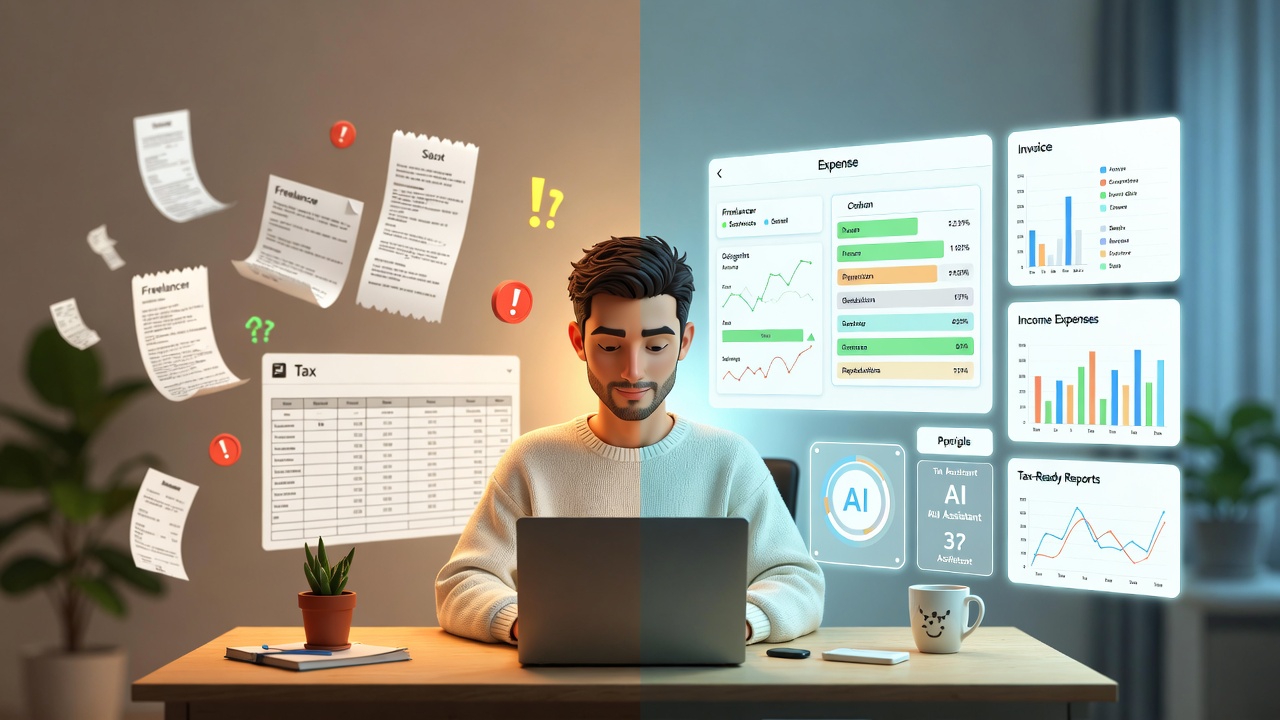
Introduction: Freelancing Is Hard Enough Bookkeeping Shouldn’t Be
If you’re a freelancer, solopreneur, or independent consultant, chances are you didn’t choose this path because you love spreadsheets, receipts, or tax rules.
You chose it for:
- Freedom
- Flexible income
- Creative or independent work
Yet bookkeeping often becomes the most stressful, confusing, and neglected part of freelancing.
That’s where AI bookkeeping for freelancers comes in.
This guide explains in simple, non-technical terms how AI-powered bookkeeping works, what problems it solves, and how it helps freelancers save time, avoid penalties, and feel confident about their finances.
No accounting background required.
Common Bookkeeping Mistakes Freelancers Make (You’re Not Alone)
Before we talk solutions, let’s talk reality. These are extremely common freelancer bookkeeping mistakes:
1. Mixing Personal & Business Expenses
Using the same bank account or card for groceries, rent, and client expenses makes tracking nearly impossible later.
2. Tracking Income Irregularly
Freelancers often earn from:
- Multiple clients
- Different platforms
- Irregular payment cycles
Manually tracking this almost always leads to missed income or confusion.
3. Missing Legitimate Deductions
Expenses like:
- Internet
- Software subscriptions
- Home office costs
- Travel
Often go unclaimed simply because they weren’t tracked properly.
4. Last-Minute Tax Panic
Many freelancers only look at their finances right before tax deadlines, leading to stress, rushed decisions, and errors.
5. Fear of Audits
Poor records create anxiety even if you’ve done nothing wrong.
AI bookkeeping exists to fix exactly these problems.
What Is AI Bookkeeping (In Plain English)?
AI bookkeeping uses smart software to automatically:
- Track your income
- Categorize expenses
- Match invoices to payments
- Prepare tax-ready financial reports
Instead of you manually entering numbers, the system learns from patterns and handles repetitive tasks for you.
Think of it as a digital finance assistant, not an accountant replacement.
Step-by-Step: How AI Bookkeeping Works for Freelancers
Here’s what typically happens when a freelancer uses an AI bookkeeping tool:
Step 1: Connect Your Accounts
You securely connect:
- Bank accounts
- Credit cards
- Payment platforms (like Stripe, PayPal, etc.)
Step 2: Automatic Expense Tracking
Every transaction is:
- Pulled in automatically
- Categorized (software, travel, meals, etc.)
- Flagged if something looks unusual
No more receipt hunting.
Step 3: Income Categorization
Payments are automatically labeled by:
- Client
- Project
- Income type
This is crucial for freelancers with irregular or multiple income streams.
Step 4: Invoice Matching
AI links:
- Sent invoices
- Received payments
You instantly see what’s paid, pending, or overdue.
Step 5: Tax-Ready Reports
When tax season arrives, your data is already:
- Organized
- Categorized
- Exportable for filing or sharing with a tax professional
No last-minute scrambling.
How AI Bookkeeping Simplifies Key Freelancer Tasks
1. Invoices (No More Guesswork)
AI tools track:
- Who owes you money
- How long invoices have been pending
- Payment patterns
This improves cash flow without constant follow-ups.
2. Expense Tracking (Without Manual Work)
Expenses are automatically:
- Logged
- Categorized
- Stored with receipts
This directly reduces missed deductions.
3. Income Tracking (Even When It’s Irregular)
AI bookkeeping shines here it handles:
- Variable monthly income
- Multiple sources
- One-off projects
You always know where your money came from.
4. Tax Preparation (Calm, Not Chaos)
Your system continuously prepares:
- Profit & loss summaries
- Expense breakdowns
- Annual reports
Which aligns with freelancer tax guidelines published by government tax authorities.
How Freelancers Save Time & Avoid Penalties
Time Savings
Freelancers using AI bookkeeping typically save:
- Hours per month on manual tracking
- Days during tax season
That time goes back into paid work or rest.
Penalty Prevention
Accurate, consistent records help you:
- File on time
- Avoid underreporting income
- Support claims if audited
Government tax departments consistently emphasize record accuracy and retention as key compliance requirements for independent workers.
Where Elmmetric Fits In (Subtle but Relevant)
Modern freelancers need tools built for flexible, independent work, not traditional businesses.
Elmmetric is an AI-driven bookkeeping option designed for modern independent workers helping automate data cleanup, categorization, and reporting so freelancers can focus on client work instead of financial admin.
It’s one of several emerging tools aligned with freelancer-first workflows.
FAQs: AI Bookkeeping for Freelancers
1. Do I need accounting knowledge to use AI bookkeeping?
No. These tools are designed for non-accountants and guide you step by step.
2. Is AI bookkeeping safe for my financial data?
Reputable tools use encryption and bank-level security. Always check security standards before choosing.
3. Can AI handle irregular freelancer income?
Yes this is one of its biggest advantages over manual spreadsheets.
4. Will AI replace my accountant?
No. It complements accountants by keeping your data clean and organized.
5. What if I get audited?
Clean, categorized records make audits far less stressful and easier to manage.
6. Is AI bookkeeping expensive?
Many tools cost far less than the time and stress saved especially compared to penalties or missed deductions.
7. When should freelancers start using AI bookkeeping?
Ideally from day one but it’s never too late to start.
Freelancer Starter Checklist: Get Started with AI Bookkeeping
Use this simple checklist to begin:
- Open a separate business bank account
- Stop mixing personal and business expenses
- Choose an AI bookkeeping tool
- Connect income and expense accounts
- Review categories monthly (5–10 minutes)
- Store digital copies of receipts
- Generate reports before tax deadlines
Final Thoughts: Confidence Beats Chaos
Freelancing shouldn’t feel financially overwhelming.
AI bookkeeping for freelancers isn’t about complexity it’s about:
- Clarity
- Control
- Confidence
With the right system in place, you spend less time worrying about numbers and more time growing your independent career.
And that’s exactly how bookkeeping should feel.
Leave a Reply